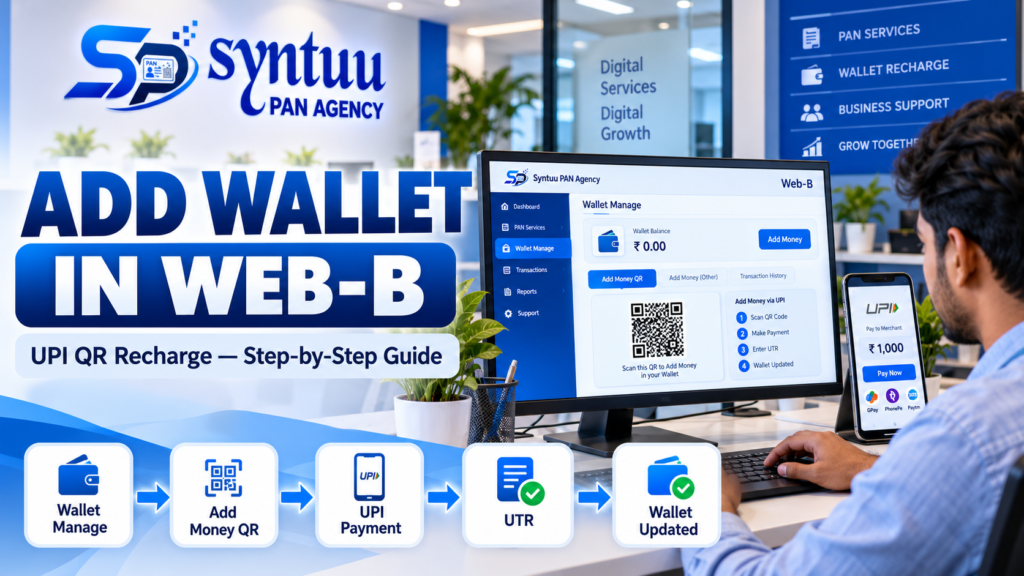
Need to add money to your Syntuu PAN Agency Web-B wallet?
The process is simple. You can generate a UPI QR code from the Web-B dashboard, make the payment through UPI, and then submit the UTR/UPI Reference Number to complete the wallet recharge request.
Here’s the step-by-step process.
Step 1: Login to Web-B
Start by logging in to your Syntuu PAN Agency Web-B account.
After logging in, you will reach the main dashboard.
Step 2: Open Wallet Manage
From the left-side menu, select:
Wallet Manage → Add Money QR
This opens the automatic UPI QR wallet recharge page.
Step 3: Enter the Amount
Enter the amount you want to add to your wallet.
In the demonstrated Web-B workflow, the page shows:
| Wallet Recharge | Amount |
|---|---|
| Minimum | ₹200 |
| Maximum | ₹10,000 |
After entering the amount, click Generate QR Code.
Step 4: Scan the QR and Pay
A payment QR code will be generated with the selected payment amount.
Use your preferred UPI app to scan the QR code and complete the payment.
Make sure the payment is completed successfully before moving to the next step.
Step 5: Enter the UTR Number
After completing the UPI payment, obtain the transaction’s UTR / UPI Reference Number.
Return to the Web-B page and enter the number in:
UTR Number / UPI Reference Number
Then click:
Request Money
Step 6: Check the Wallet
After submitting the recharge request, check the Web-B dashboard/wallet status.
Quick Reference
| Step | Action |
|---|---|
| 1 | Login to Web-B |
| 2 | Wallet Manage → Add Money QR |
| 3 | Enter recharge amount |
| 4 | Generate QR Code |
| 5 | Scan and pay through UPI |
| 6 | Enter UTR / UPI Reference Number |
| 7 | Click Request Money |
| 8 | Check wallet status |
Important Tips
- Enter the correct recharge amount.
- Complete the UPI payment successfully.
- Keep your UTR/UPI Reference Number available.
- Enter the UTR correctly in Web-B.
- Don’t share your UPI PIN, OTP or other confidential banking information with anyone.
In Short
The complete process is:
Login → Wallet Manage → Add Money QR → Enter Amount → Generate QR → UPI Payment → Enter UTR → Request Money
That’s all you need to follow to add money to your Syntuu PAN Agency Web-B wallet.